

A comprehensive redesign of Smeet’s user journey after registration, to enhance the initial user experience following the game’s setup.
Role
UX/UI Design
Genre
Social Game
Engine
In-House Engine
Tools
Lucidchart, Figma, Miro, Photoshop
Team Size
2
Duration
2021 – 2023
Platform
PC, Web Browser, Android,
macOS, iOS
Smeet is a social game and virtual world where players create avatars, explore spaces, and connect with others through challenges, events, and creative activities.
Due to the extensive range of features and possibilities available, we implemented a series of tutorials designed to guide players through the core mechanics and foundational aspects of the game.
When designing the tutorial, my priority was to ensure players could quickly grasp the basic mechanics, controls, and navigation, minimizing any potential frustration or confusion. At the same time, I focused on showcasing the game’s core features and most enjoyable aspects right from the start, creating an engaging experience that would motivate players to return after their initial session.
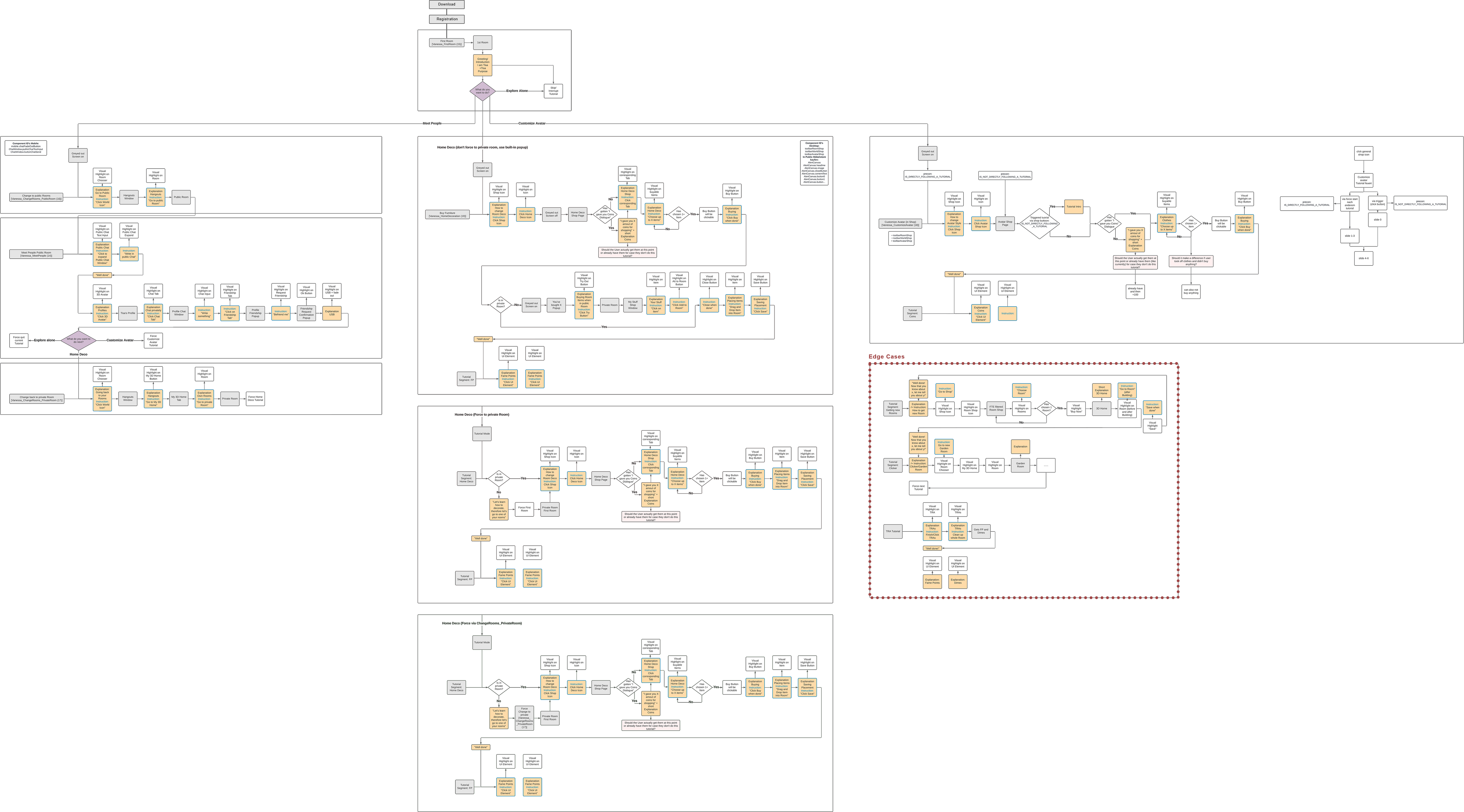
We identified the three core features of the game—socializing, group play, and room customization—as the foundation for the tutorial. Condensing the wide array of features into these essential elements was a challenging task, requiring careful prioritization and focus.
At the same time, I designed the tutorial while the tutorial editor itself was still being developed, essentially inventing the wheel as I worked.
I prioritized which mechanics are most critical for new players to understand early on. These features were introduced in the right order, making sure the tutorial remains focused and not overwhelming. Additionally, I paid close attention to the balance and pacing of the tutorial, ensuring players are introduced to each concept at a comfortable pace that keeps them engaged without feeling rushed.
I wrote concise, engaging instructional texts for the in-game character, aiming to keep the language simple while ensuring it’s informative. I also designed scenarios where players interact with the game’s core features, helping them learn by doing. By crafting specific, context-based challenges, I aim to make the learning process feel natural and immersive.
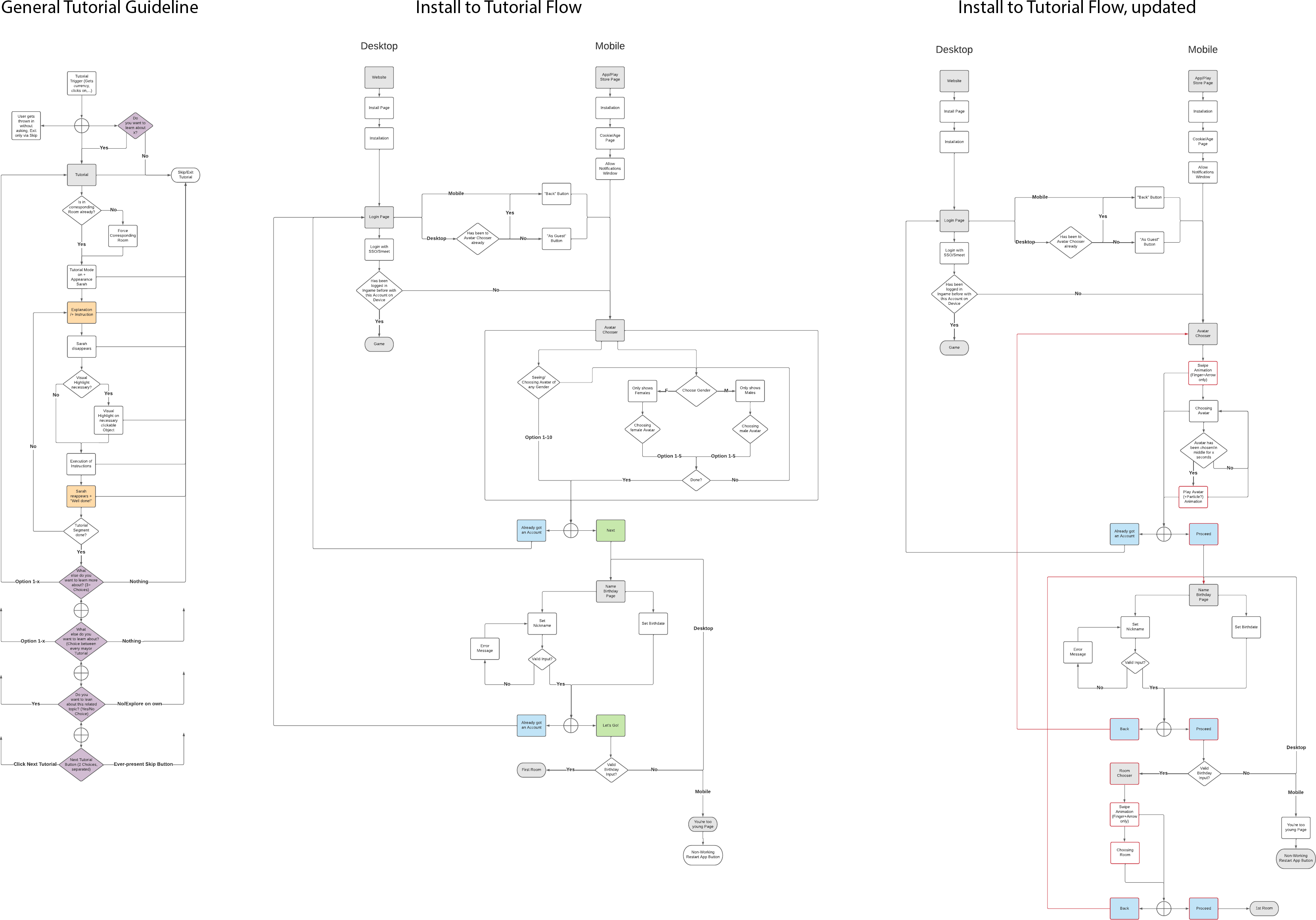
I focussed on mapping the player journey through the tutorial to ensure it aligns with the user’s natural learning curve. I was structuring the tutorial so that players can easily follow the steps by translating every journey step into a tutorial step. Since the Tutorial Editor was built simultaneously, the user journey steps needed to be very precise from the beginning.
Every change of the tutorial was also an iterative prototype, not just for the flow itself, but also for the Tutorial Editor. As the tutorial was being built, feedback and insights gained could directly influence the editor’s functionality. This iterative loop allowed for improvements to both the tutorial content and the editor’s capabilities, ensuring they were aligned.
Several parts of the project were A/B tested very quickly, such as the design of our tutorial character and the flow functionality. So fortunately, we got very early feedback on which ideas were working.
My goal was to make the tutorial triggers feel natural and non-intrusive, so they would seamlessly integrate into the game. I also conducted extensive debugging to ensure the tutorial flow works without any bugs, fixing any usability issues that arise during testing.
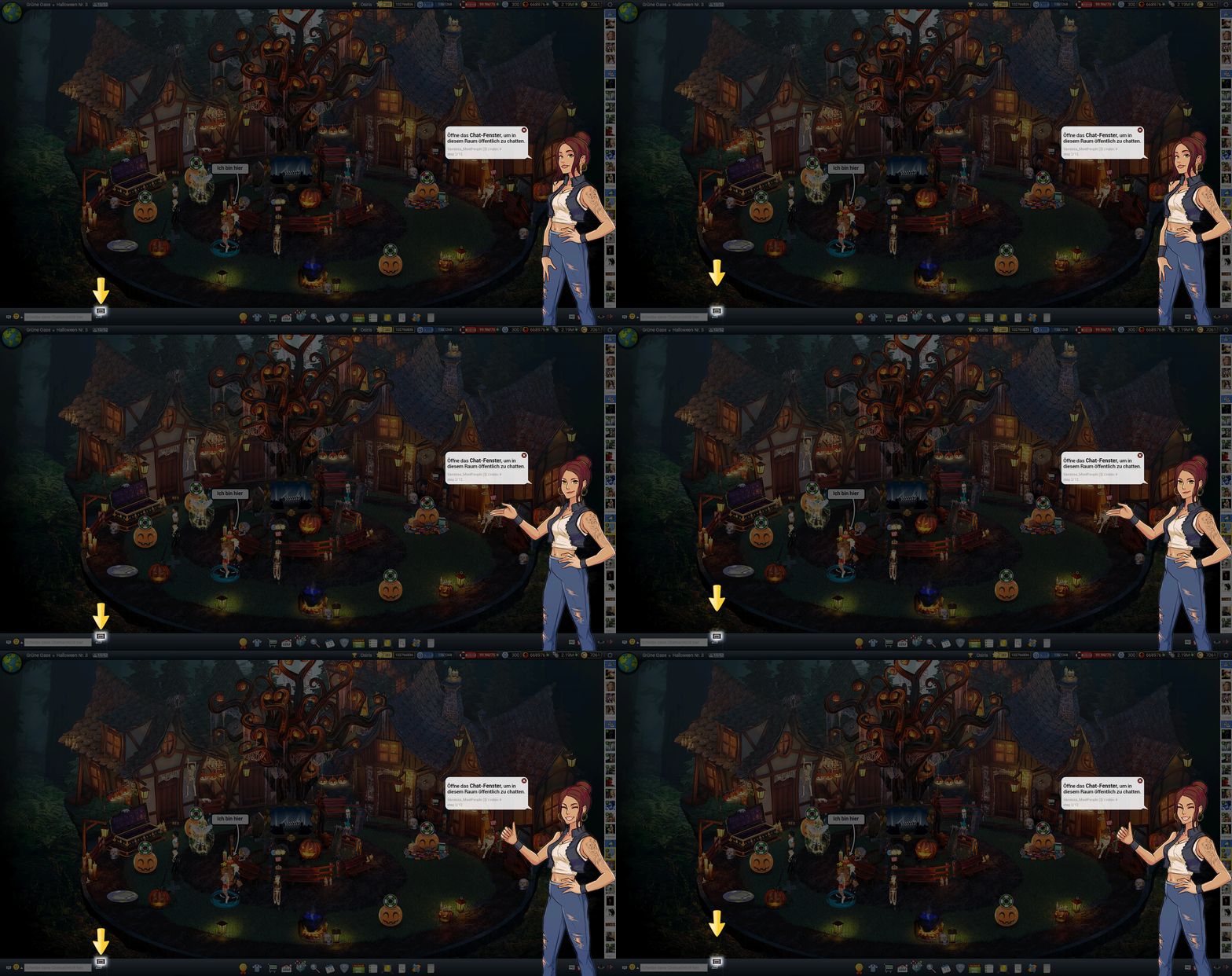
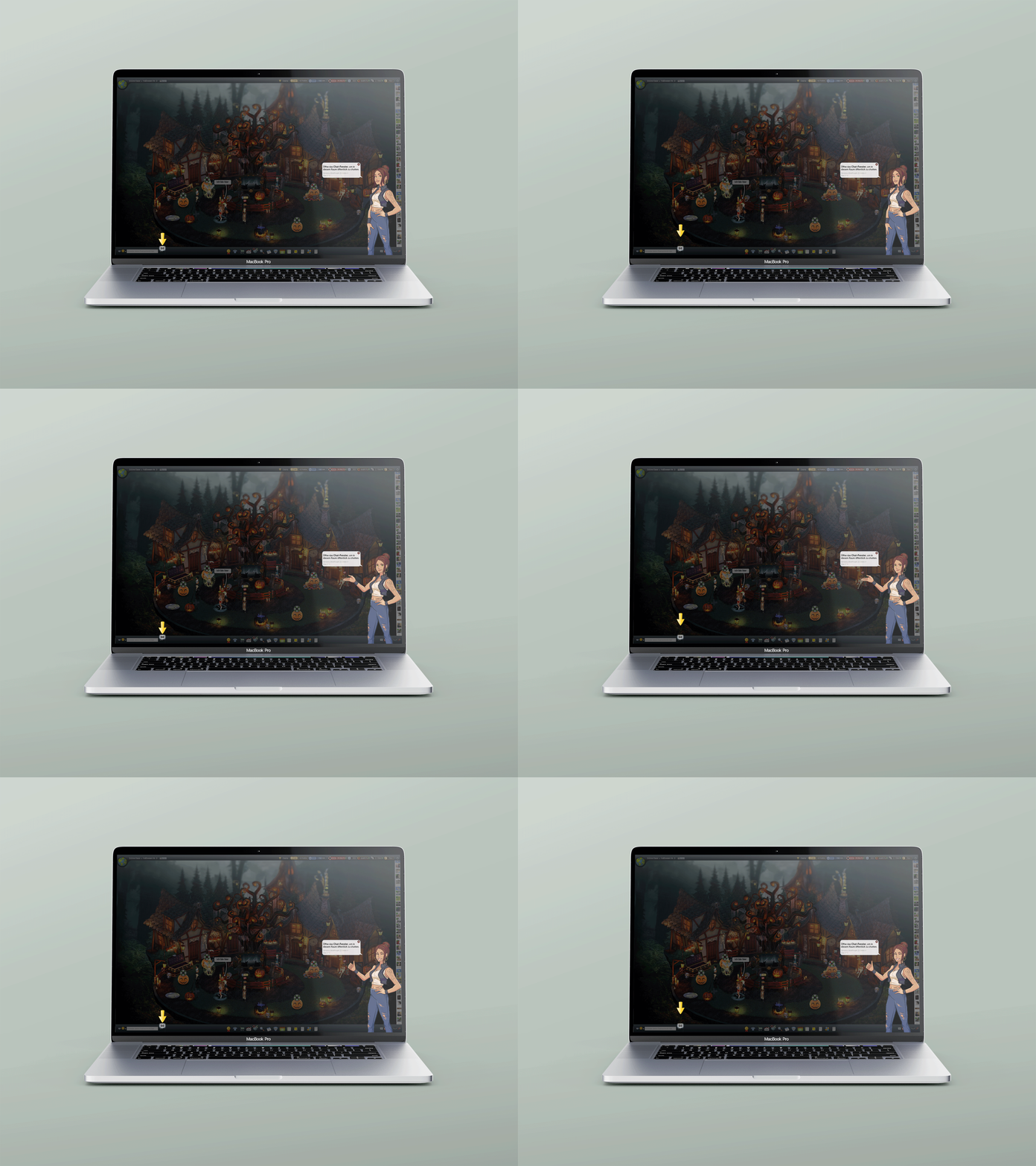
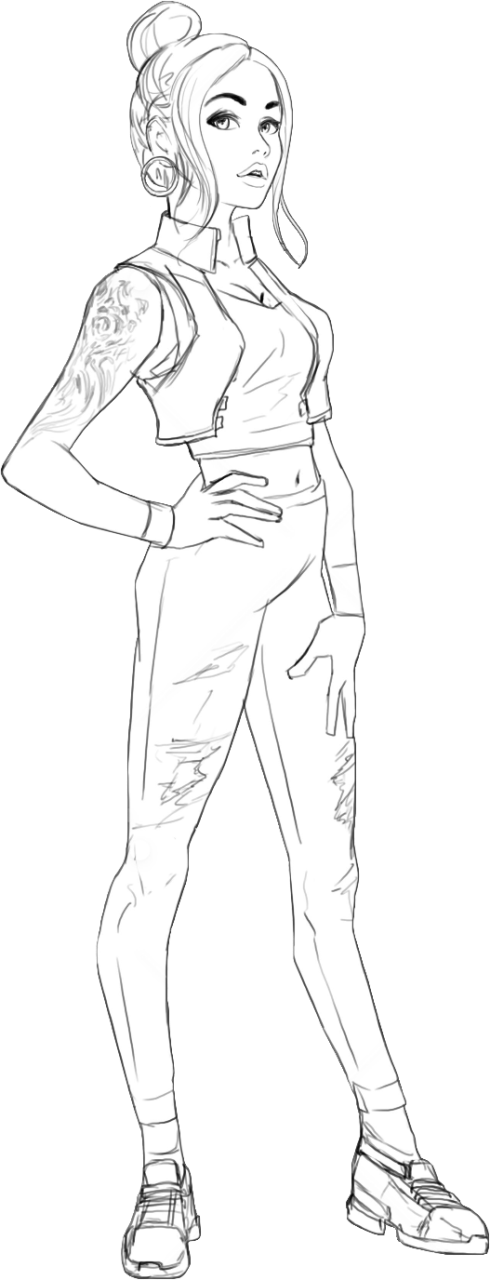
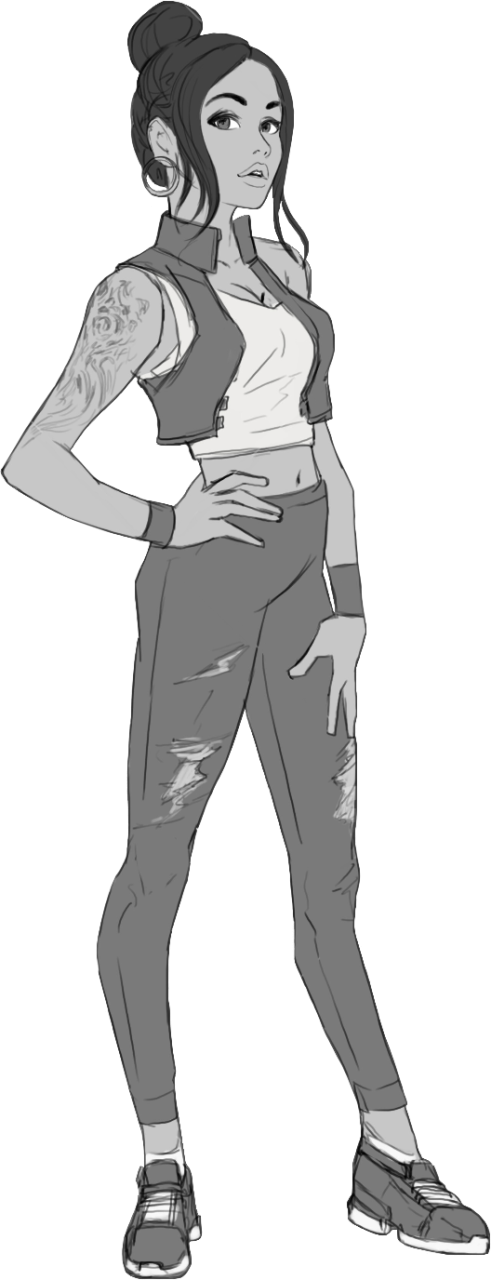
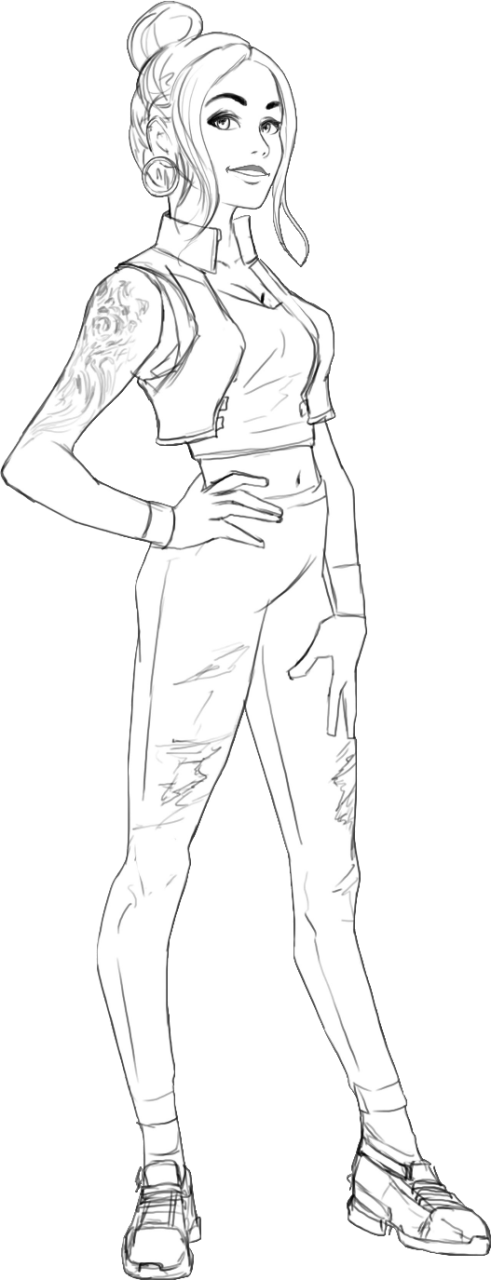
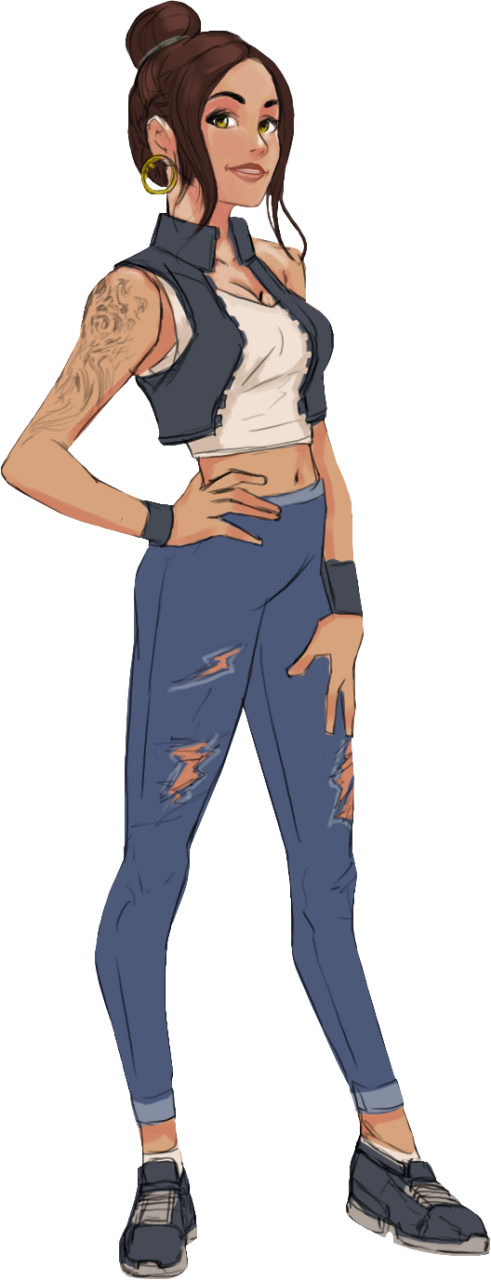
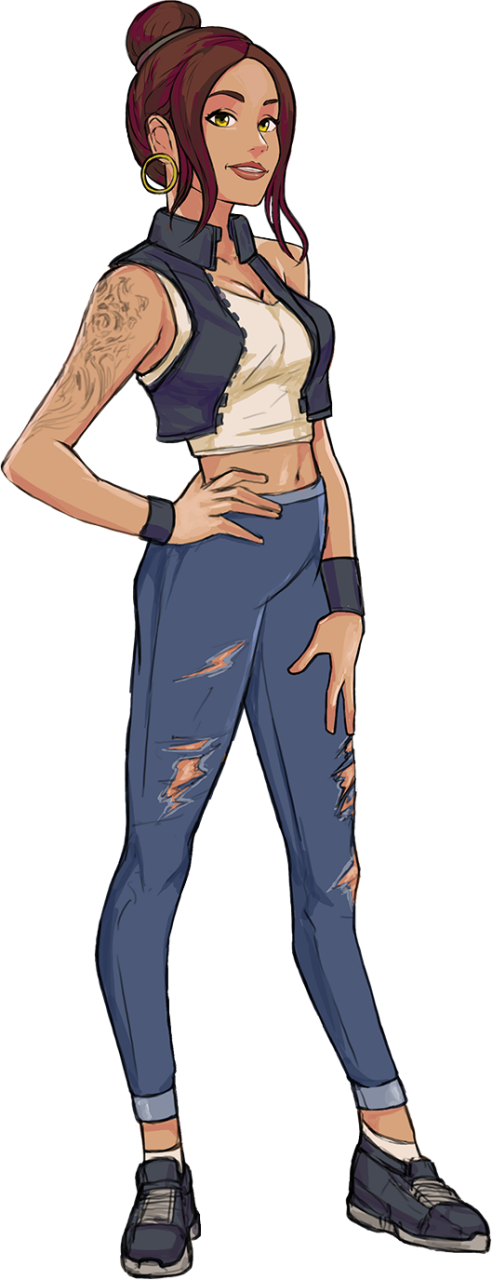
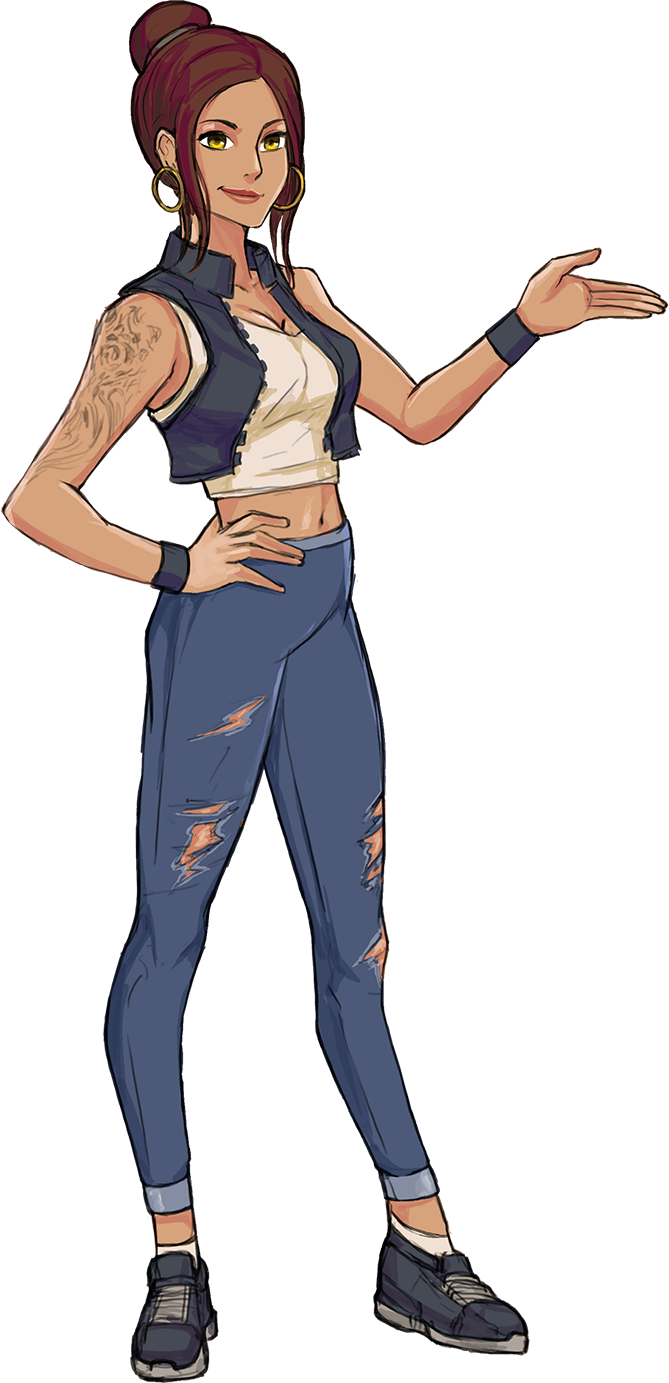
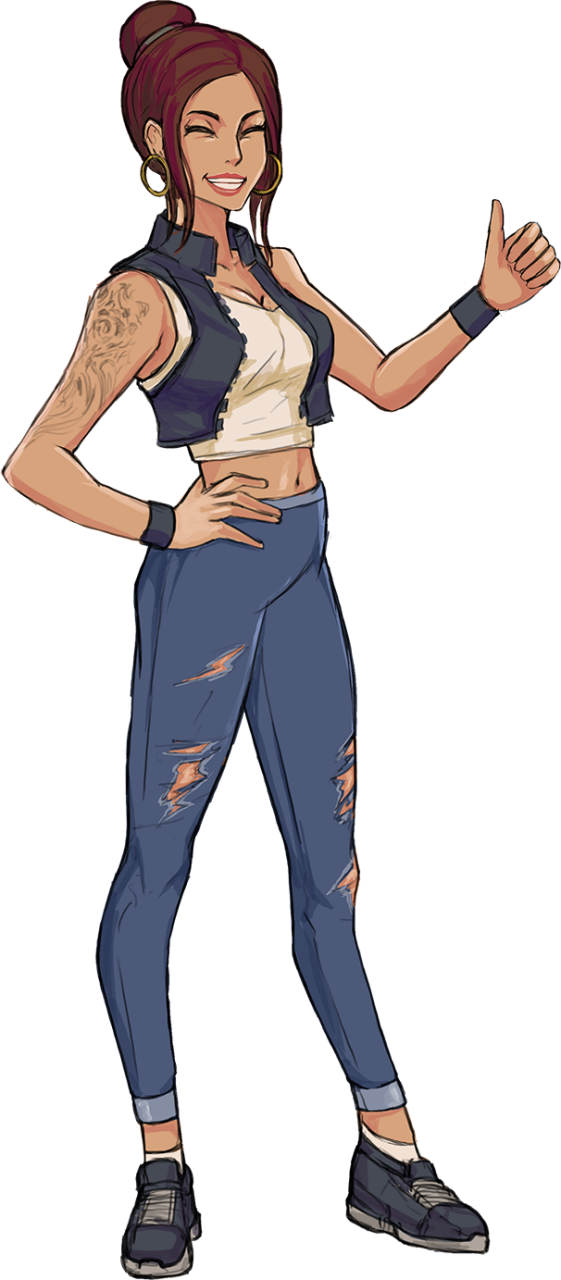
The tutorial features a dedicated character who guides users through every step of the process. The design began with in-depth research into our target audience to identify the type of character that would resonate with them. Through this process, the character not only took shape visually but also developed a distinct personality. She is modern, social, and chatty, embodying the vibrant social aspects of the game.
Her design went through multiple iterations to ensure she felt relatable and engaging, while also being optimized for animation, making her lively interactions seamless and dynamic.
I helped new players quickly grasp the game’s mechanics, reducing frustration and minimizing drop-offs. Additionally, I highlighted the game’s key features, ensuring players could recognize and engage with its most exciting aspects, significantly boosting the potential for long-term retention and enjoyment.
We started the project from scratch, designing everything from the ground up.
We developed a custom editor within the existing framework to meet the tutorial system’s unique needs, building a robust infrastructure to streamline tutorial creation and support future development.
Adding {{itemName}} to cart
Added {{itemName}} to cart